

Welcome to my portfolio! Here, you’ll find a collection of my work showcasing my skills and experience in Information Technology. From automation to development, each project reflects my dedication to creativity, innovation, and excellence. Explore my portfolio to learn more about my journey and the unique contributions I can bring to your team.
Microsoft 365
Microsoft Power BI
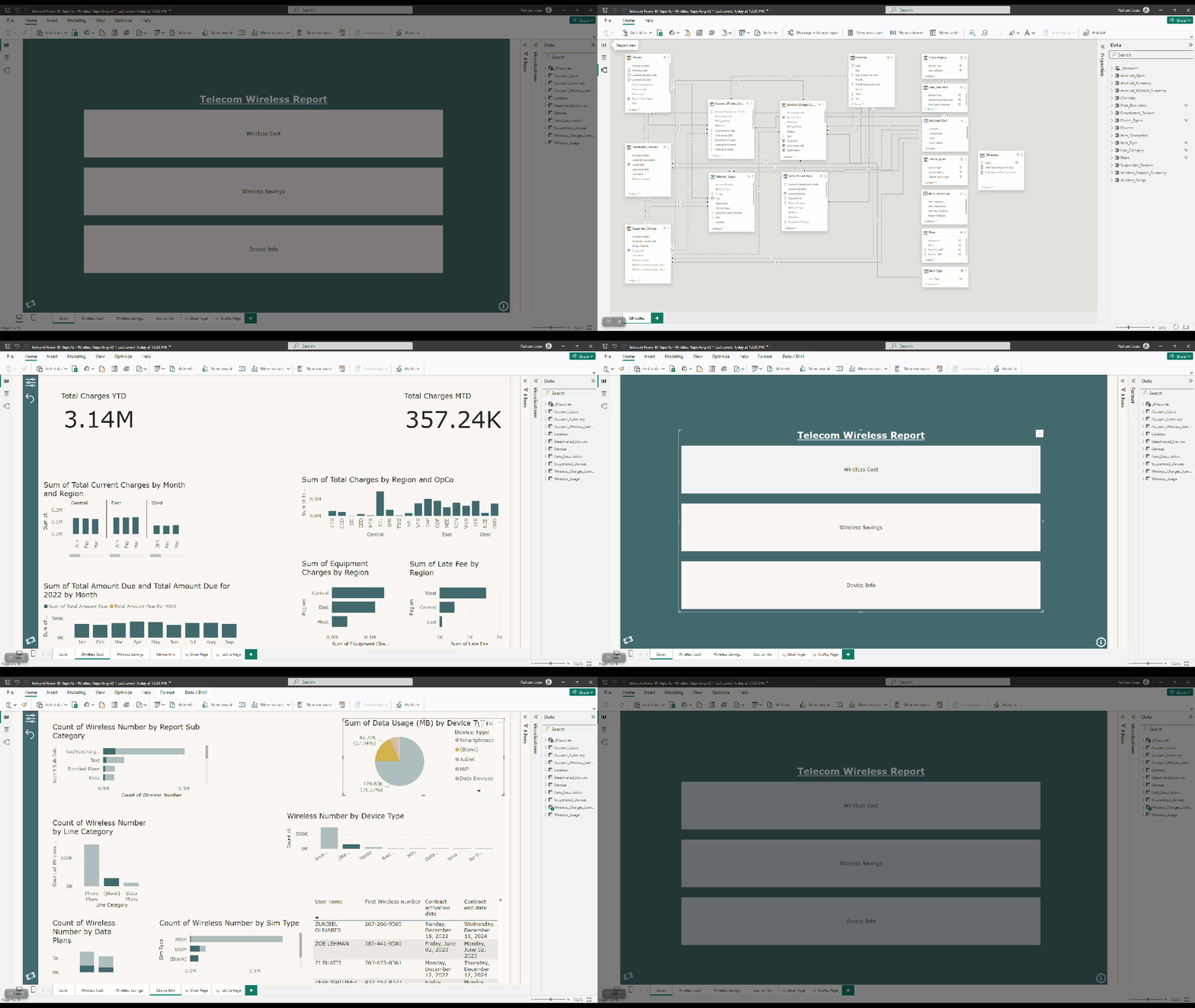
The Microsoft Power BI report for telecom wireless reporting and spend provides a comprehensive overview of key metrics and insights related to wireless telecommunications services. This report is designed to help the telecom company effectively track and manage their wireless services, enabling them to make informed decisions and optimize their spending.
Microsoft Excel
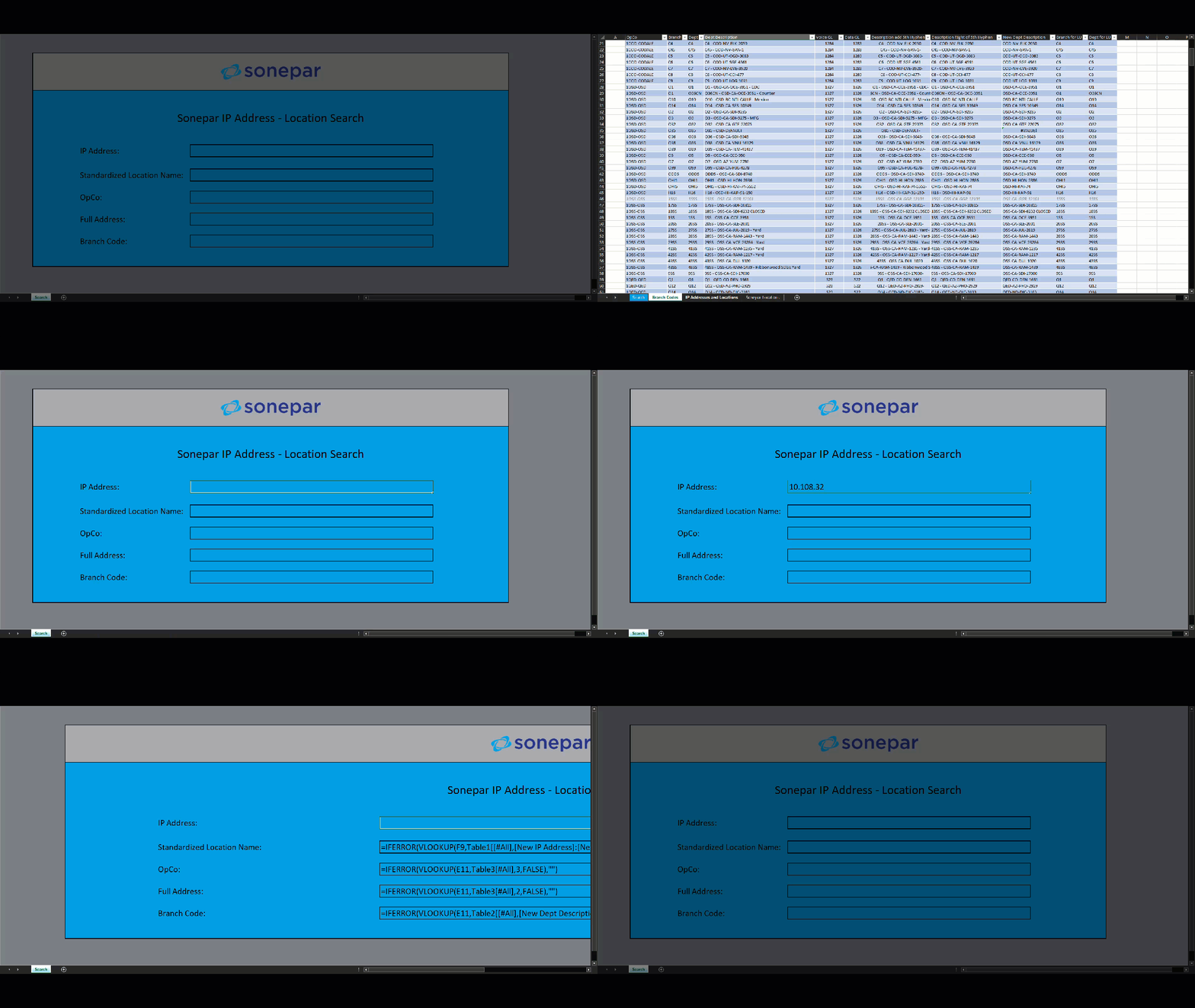
The IP Address to Location Aggregator is an Excel program designed to efficiently aggregate and correlate data from IP addresses and their corresponding locations. This tool provides a seamless way to tie together IP addresses and geographical locations, making it easier to identify the origins and geographical distribution of network traffic.
1. IP Address Lookup: The program includes a lookup function that allows users to enter an IP address and retrieve its corresponding geographical location. This feature is useful for identifying the locations of users accessing a network or website.
2. Location Aggregation: The program aggregates location data from multiple IP addresses, allowing users to analyze patterns and trends in network traffic based on geographical locations.
3. Data Export: The program allows users to export aggregated data to other formats, such as CSV or PDF, for further analysis or reporting.
4. Customization: The program is customizable, allowing users to define their own parameters for aggregating and analyzing data from IP addresses and locations.
Various Coding Languages
Python
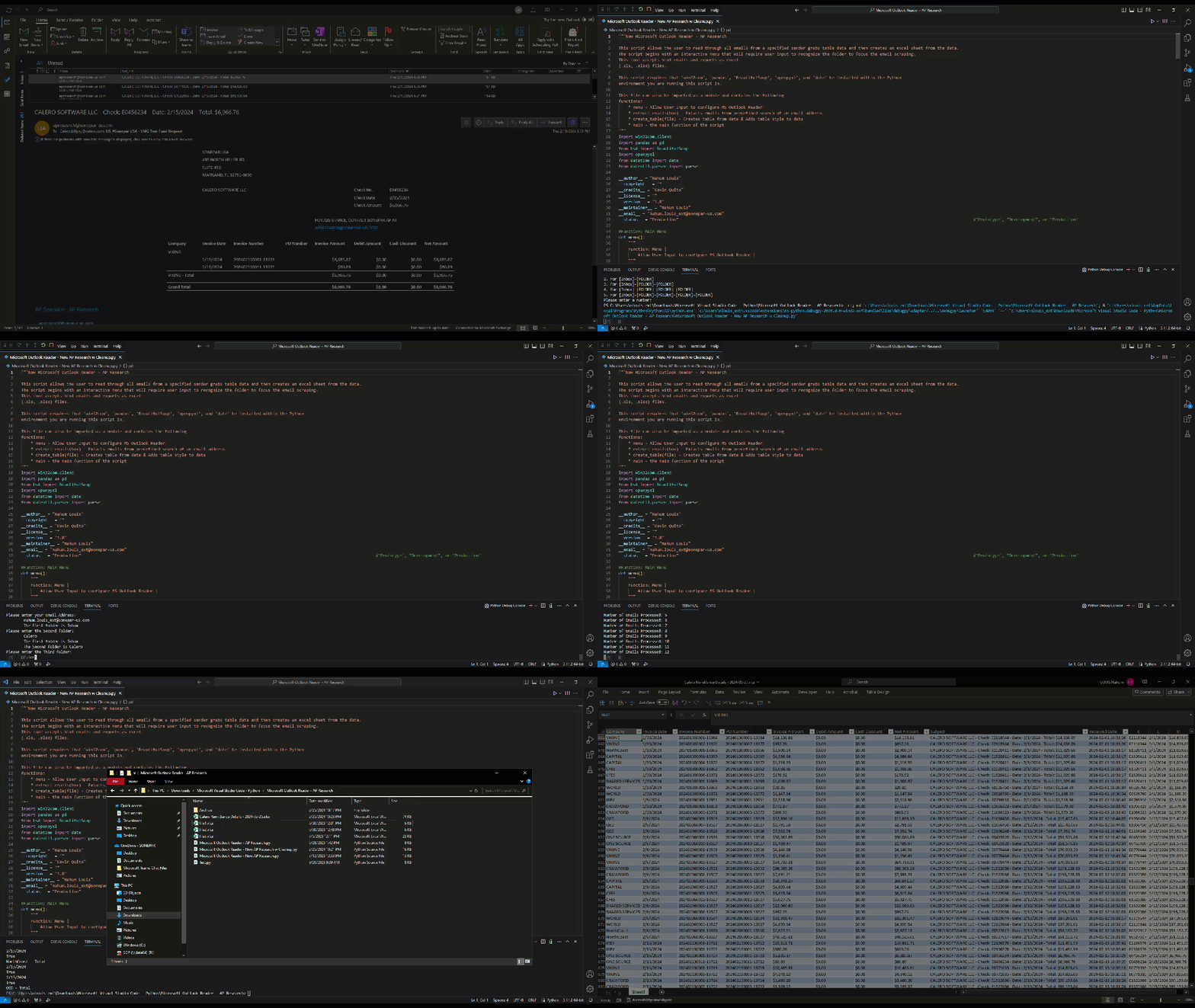
The Python Email Aggregator is a versatile program that enables users to extract and organize email data into an Excel spreadsheet. Built using Python’s powerful libraries, this program offers a straightforward way to automate the process of collecting and analyzing email information.
1. Email Retrieval: Utilize MS Exchange, IMAP or POP3 protocols to connect to email servers and retrieve emails from one or more accounts.
2. Data Extraction: Extract relevant information such as sender, subject, date, and body text from emails using regular expressions or email parsing libraries.
3. Excel Sheet Generation: Create an Excel spreadsheet to store the extracted data, organizing it in a structured format for easy analysis.
4. Customizable Filters: Implement filters to extract specific types of emails based on criteria such as keywords, dates, or sender addresses.
5. Error Handling: Implement robust error handling mechanisms to manage issues that may arise during the email retrieval and data extraction process.
6. User Interaction: Provide a user-friendly interface or command-line options to configure settings and initiate the email aggregation process.
Contact
